
Loyalty import formats
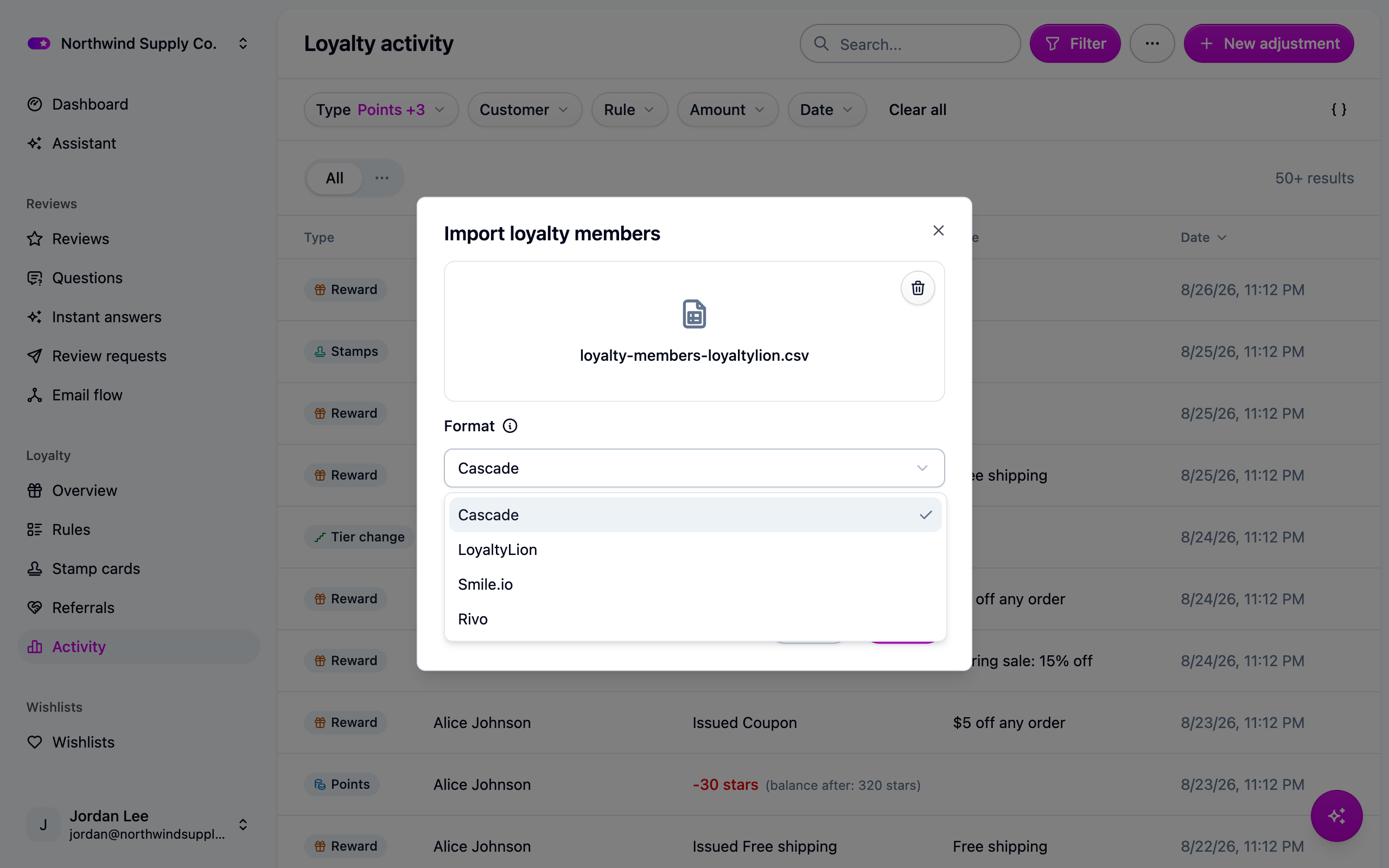
The Format picker on the members import reads a LoyaltyLion, Smile.io or Rivo export as it comes, so you don't have to rename a column before you upload. This page lists what each format expects.
These mappings were written from each platform's published documentation, not from a real export file. Compare the table against your own export before you upload. If a column name differs, tell us; in the meantime rename the column in a spreadsheet, or reshape the file and use the Cascade format.
Three things are true of every format:
- Cascade uses the format you picked and refuses the file if its columns don't match.
- Column names are matched loosely:
Points Balance,points_balanceandpoints balanceare the same column. - Columns Cascade doesn't carry across are listed on the import job under Settings → Imports. A completed job with a list of notices is normal.
None of the formats carries a program name. If you run several programs in Cascade, add a
program column to the file by hand.
LoyaltyLion
LoyaltyLion holds points as pending until an order clears, and Cascade imports the approved balance only. To honor pending points too, add the two columns together in a spreadsheet and import the result with the Cascade format.
Smile.io
Rivo
If something isn't working
- "This file does not look like a LoyaltyLion export." The wrong format was picked or the wrong export downloaded. Nothing was imported; the message under Settings → Imports says which column it looked for. Fix it and upload again.
- "This looks like a transaction export, not a members export." Every platform exports two files: members with a balance, and a list of points transactions. The members import takes the first. Transactions go through the history API (see below).
Next steps
- Cascade's own columns and what a re-run does: Importing loyalty members.
- The whole switch-over in order: Moving a loyalty program to Cascade.
For developers
A transaction export maps onto POST /loyalty-history a column at a time:
kind must be earn, spend or adjustment; leave it out and Cascade infers it from the
sign of amount. Rivo's transaction export columns are unconfirmed, so it is not mapped
here. Import the balances first and the transactions after: the history reduces the opening
adjustment by whatever it explains, and re-runs are idempotent. See
Loyalty history API.