
Changing or canceling your plan
This page helps you move between Starter and Growth, switch between monthly and yearly billing, or cancel. Only an owner can do any of these.
Change plan
- Open Settings → Billing and choose Change plan.
- Pick the plan and whether to pay monthly or yearly. Before you confirm, the dialog says what it costs and when it starts.
- Confirm.
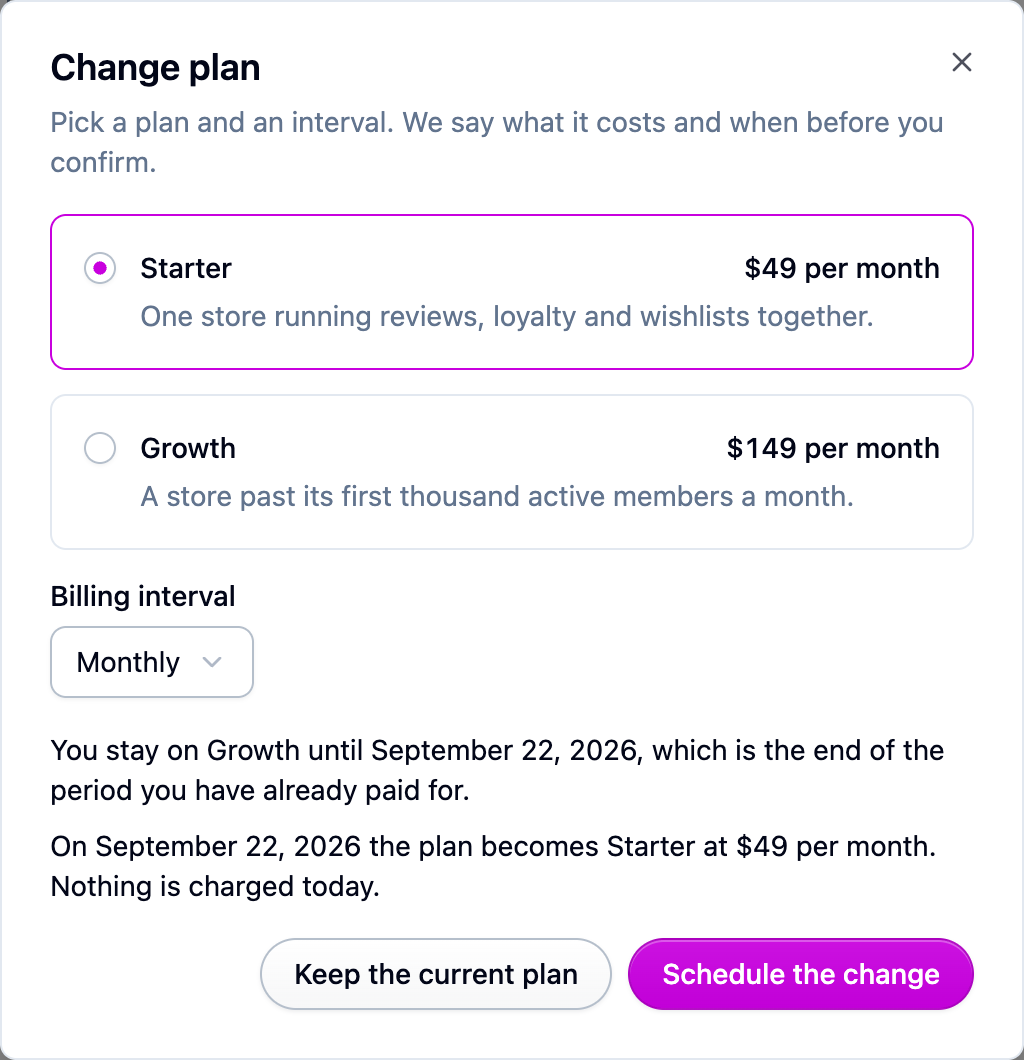
Moving up takes effect immediately. The new allowances apply as soon as you confirm. Nothing is charged that day: the difference for the rest of your current period goes onto your next invoice. Switching from monthly to yearly counts as moving up.
Moving down takes effect when your current period ends. You keep what you paid for until then, and the billing page shows the date. Going from yearly to monthly waits for the year to end too. Changed your mind? Open Change plan again and pick the plan you're on now, which calls off the waiting change.
When a downgrade is blocked
Some allowances are things you hold, like connected stores or API keys. If you have more of one than the plan you're moving to allows, the dialog says which and by how much, for example "Connected stores: you have 5, and Starter allows 3. Remove 2 to move to this plan." Remove what's over and the change goes through.
The three monthly allowances (review submissions, active loyalty members, active wishlist customers) never block a change. If you're already over for this month, the dialog says so and lets you carry on. See Going over an allowance.
Cancel
- Open Settings → Billing and choose Cancel plan.
- Confirm.
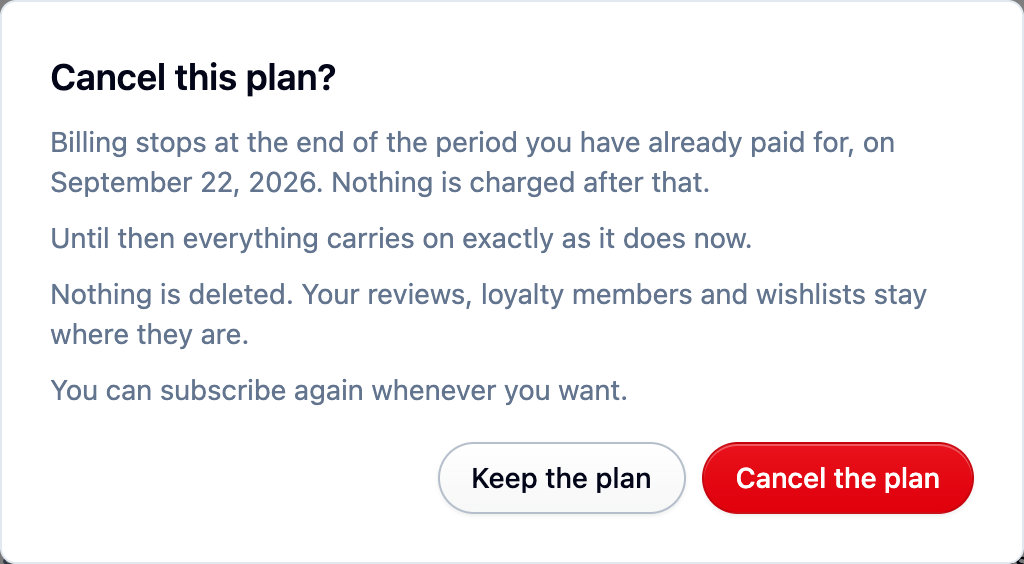
Billing stops at the end of the period you've already paid for, and everything carries on until then. After that date your account is read only: nothing is deleted, your storefront widgets keep working, and you can subscribe again whenever you want. See What happens when your trial ends, or you cancel.
If Shopify bills you
If you installed Cascade from the Shopify app store, your plan is on your Shopify invoice, and your payment details and receipts are in your Shopify admin under Settings → Billing.
- Changing plan is done in Shopify. Open the Cascade app in your Shopify admin, pick the plan, and approve the charge Shopify shows you. Nothing is billed until you approve it.
- Canceling works from the Cascade billing page or from your Shopify admin. A Shopify charge stops right away rather than at the end of the period, and you're not charged again.
- Uninstalling the app ends the charge and the plan with it. Your Cascade account carries on read only until you subscribe, nothing is deleted, and reinstalling picks up where you left off.
To move from a Shopify charge to paying by card, uninstall the app and subscribe from the Cascade billing page. To go the other way, cancel your card plan first and then install the app. You're never billed twice.
If something isn't working
- The plan change controls are replaced by a line asking you to get in touch: either Shopify bills you, or we raised an allowance for your account and will move you over by hand. Nothing you were given is lost in the move.
- The page says the last payment failed or the plan is canceled: update your payment details or start a new plan first. A plan can't be changed in either state.