
Importing orders
Bring your order history across from another platform so Cascade knows who bought what, can ask the right customers for reviews, and can credit loyalty points for past purchases.
Before you start
Every order attaches to a customer and to the products it contains, so import those first:
-
Your customers, from Customers. Cascade matches each order to a customer by email address.
Skip this and every order is skipped for want of something to attach to.
Import your orders
-
Export your orders from your current platform as a CSV file and arrange the columns to match the list under For developers below. Each item in an order is one row, with the order's own details repeated on every row.
-
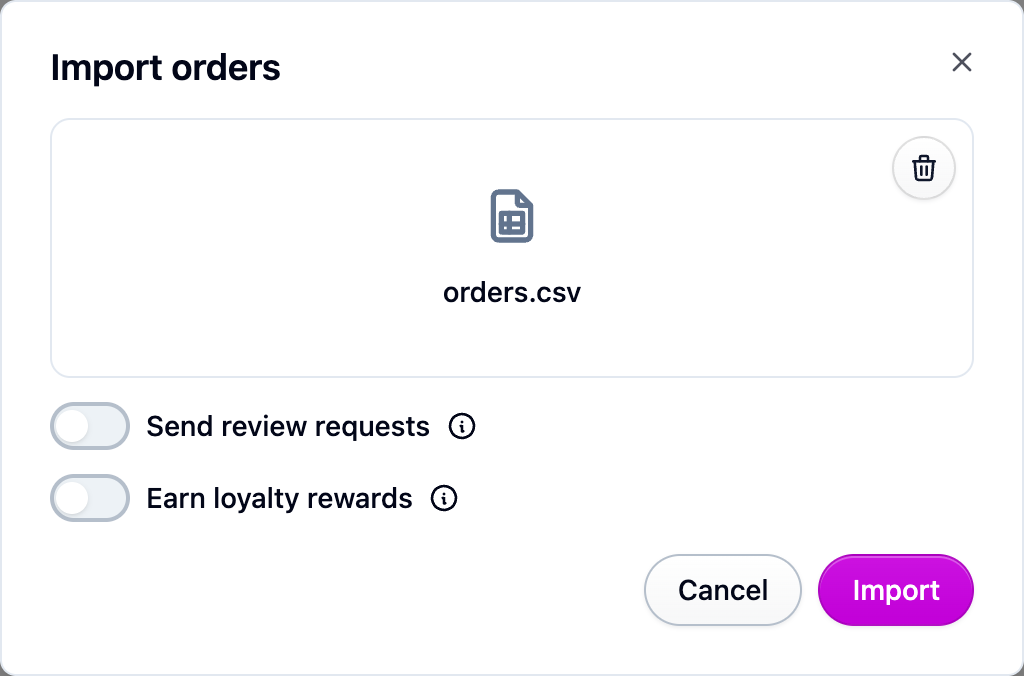
Open Orders, choose Import from the actions menu, and pick your file.
-
Decide about the two switches on the import dialog. Both start off, so importing history never emails your customers or hands out points by accident:
- Send review requests checks each imported order against your survey flows and emails the customers whose orders match.
- Earn loyalty rewards gives imported orders points and stamps.
-
Start the import. It runs in the background, so you can leave the page.
-
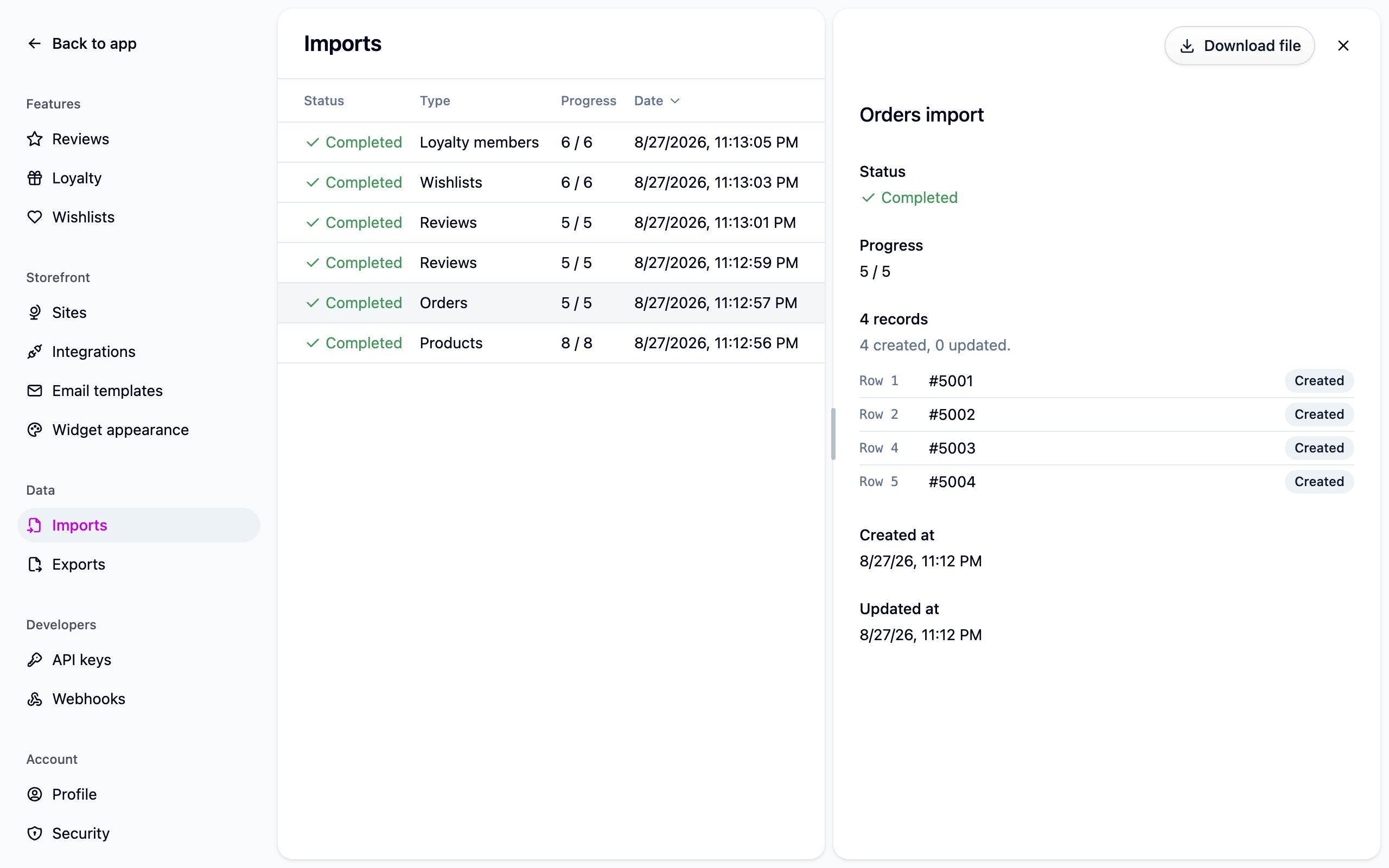
Check Settings → Imports when it finishes. Open the job to see any rows that were skipped, with the row number and the reason.
Good to know
- Importing the same file again is safe. Cascade recognizes each order by the order ID from your old platform and updates it in place, replacing its items with the ones in the file, rather than adding a copy.
- One bad item skips the whole order. Cascade won't import an order with only some of its items. Fix the row and import again.
- A bad row never stops the import. The rest of the file lands.
If something isn't working
- "No customer with the email ..." That customer hasn't been imported yet. Import your customers, then run the orders file again.
- "No product with the slug ..." The product isn't in Cascade, or its handle is spelled differently. Check it under Products.
- Nobody got a review request. The Send review requests switch was off, or the orders didn't match a flow. See Collecting reviews.
Next steps
- Importing reviews.
- Migrating from another loyalty app to bring points balances across.
- Imports and exports for how every import behaves.
For developers
One row per line item. Rows that share a remoteId are one order, wherever they sit in
the file. Files in the older format (a full row starts an order, the rows below carry only
their line item) still import: a row with a blank remoteId belongs to the order above it.
Where two rows of one order disagree on an order-level value, the first non-empty value in
the file wins and the ignored row is reported. A blank cell means "not specified" and never
overwrites what another row said. The same import is available as
POST /import-jobs.