
AI features
Cascade uses AI in four places, all optional: review summaries, instant answers, review screening and the dashboard assistant. Summaries and screening are on the Growth and Enterprise plans, instant answers are an add-on we switch on for you, and the assistant is available to everyone.
None of them change your data on their own. Summaries and answers can be turned off, screening only flags, and the assistant asks before it changes anything.
Review summaries
Once a product has five or more published reviews, the reviews widget shows a short summary of what reviewers say above the list, marked as generated, with up to five themes and whether reviewers raise each one as praise, a complaint or both. It refreshes at most once a day per product, and only after roughly ten more reviews or 20 percent growth.
- Turn it on or off for every product with Summarize what reviewers say under Settings → Reviews.
- On one product, open it under Products to regenerate the summary, hide it from your storefront, or go back to the previous version after a regeneration you didn't like.
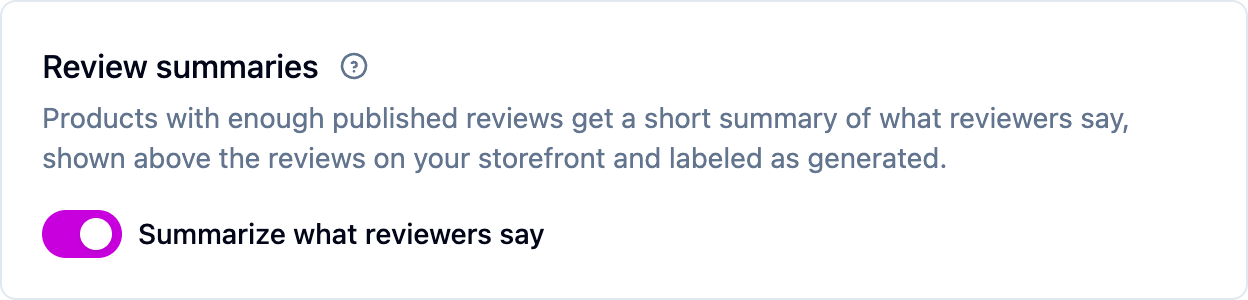
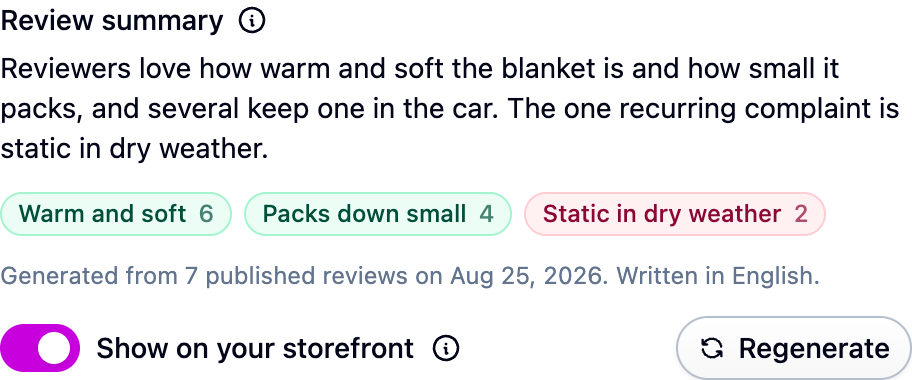
Summaries only ever read published reviews, never the original text of a review you've redacted, and are written in whichever language most of the reviews use.
Instant answers
When a shopper asks a question in the reviews widget, they get a short answer drawn from that product's published reviews right away, with the reviews it used shown underneath. If the reviews don't cover it, the shopper is told so rather than given a guess.
The instant answer is shown only to the shopper who asked. It's never published on your storefront. The same question also goes to your team, and the answer you write under Reviews → Questions is the one that gets published. See Questions and answers.
- Ask us to switch instant answers on for your account. Until then the switch is grayed out.
- Turn on Show an instant answer while they wait under Settings → Reviews.
- Review what shoppers are being told under Reviews → Instant answers: each question, its product, how often it's been asked, and the answer. Hide any answer and shoppers asking that question are told the reviews don't say.
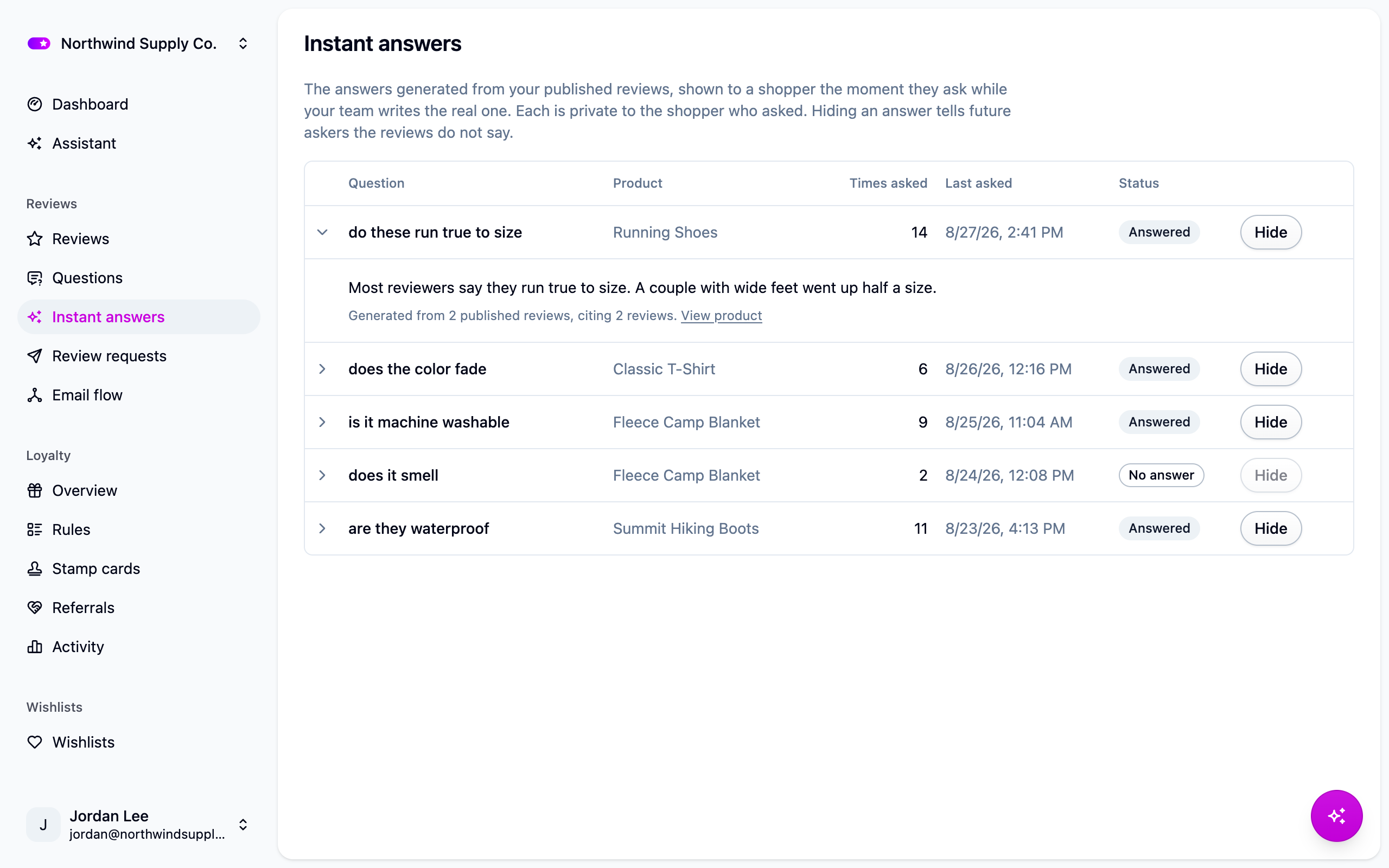
The ask box appears only on products with enough published reviews (five, the same as summaries). Up to 500 new answers are generated each month; repeat questions reuse the stored answer and don't count. At the cap the ask box disappears until the month resets, and shoppers never see an error. Nothing ties a stored question to a shopper.
Review screening
Screening reads each new review and flags the ones a person should look at: off-topic text, abuse, a review that's really about a different product, and longer reviews that look AI-written. It only flags. Nothing is rejected, edited or deleted, and shoppers are never told. A flagged review waits in your moderation queue with the reason shown, the same as reviews caught by your blocked words.
Turn it on with Screen reviews with AI under Settings → Reviews.
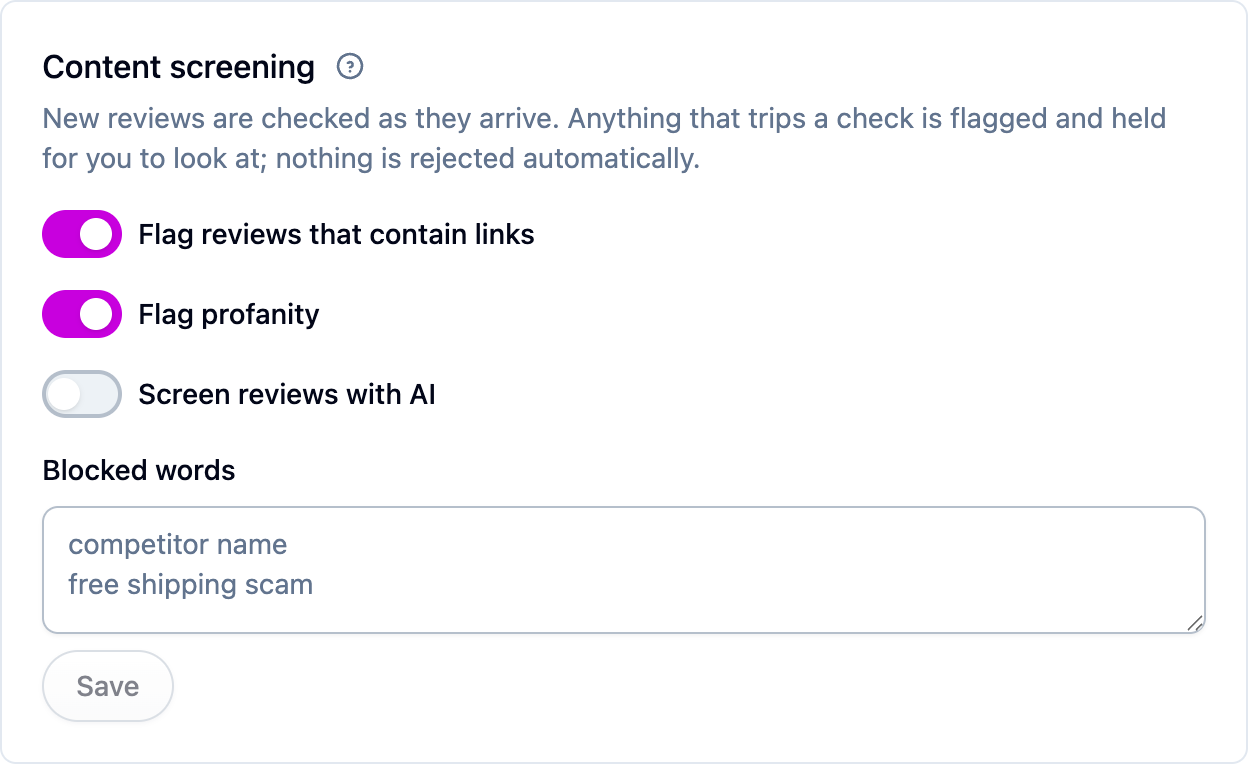
Two things to know:
- With screening on, a review that would auto-publish waits until screening has read it, so spam is never live under your brand even for a few seconds.
- An "AI-generated" flag is a reason to read the review, not a verdict. Short reviews are skipped and only high-confidence matches are flagged, because a well-written review from a real customer is a normal thing to find.
If screening can't run, reviews simply wait in the queue for a person, as they would with the feature off.
Next steps
- The assistant: ask questions about your store in plain language.
- Moderating reviews.
- Questions and answers.
- Plans and limits for which plans include each feature.